
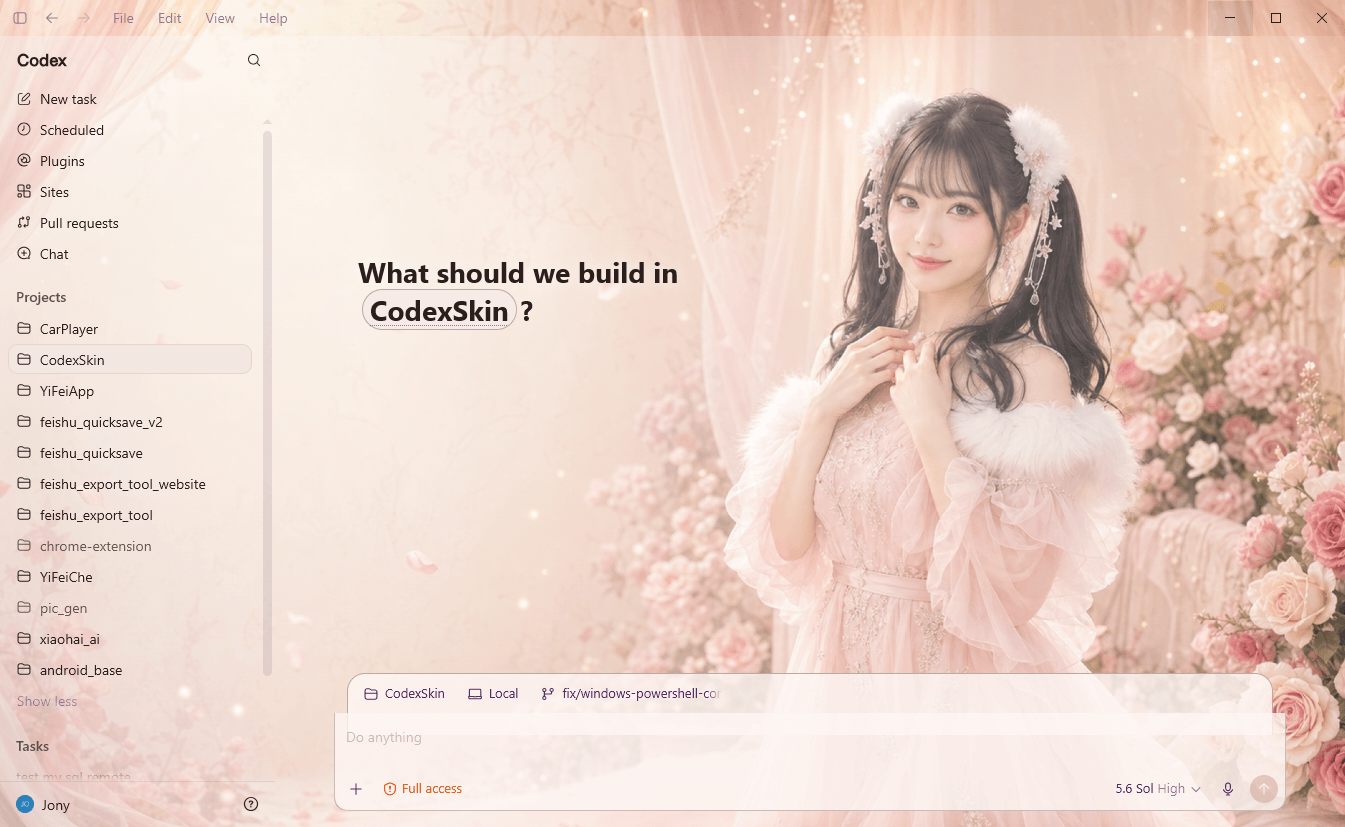
Blush Garden
Warm · MinimalSoft florals and translucent blush panels create a calm workspace with a portrait-led focal point.
#f5ddd4#d8a5a1#7a4a74
Curated skin gallery
Nine vivid workspace directions spanning soft florals, bright character art, sporting energy, cinematic darkness, and high-contrast interface treatments.
Showing all 9 themes.
Soft florals and translucent blush panels create a calm workspace with a portrait-led focal point.
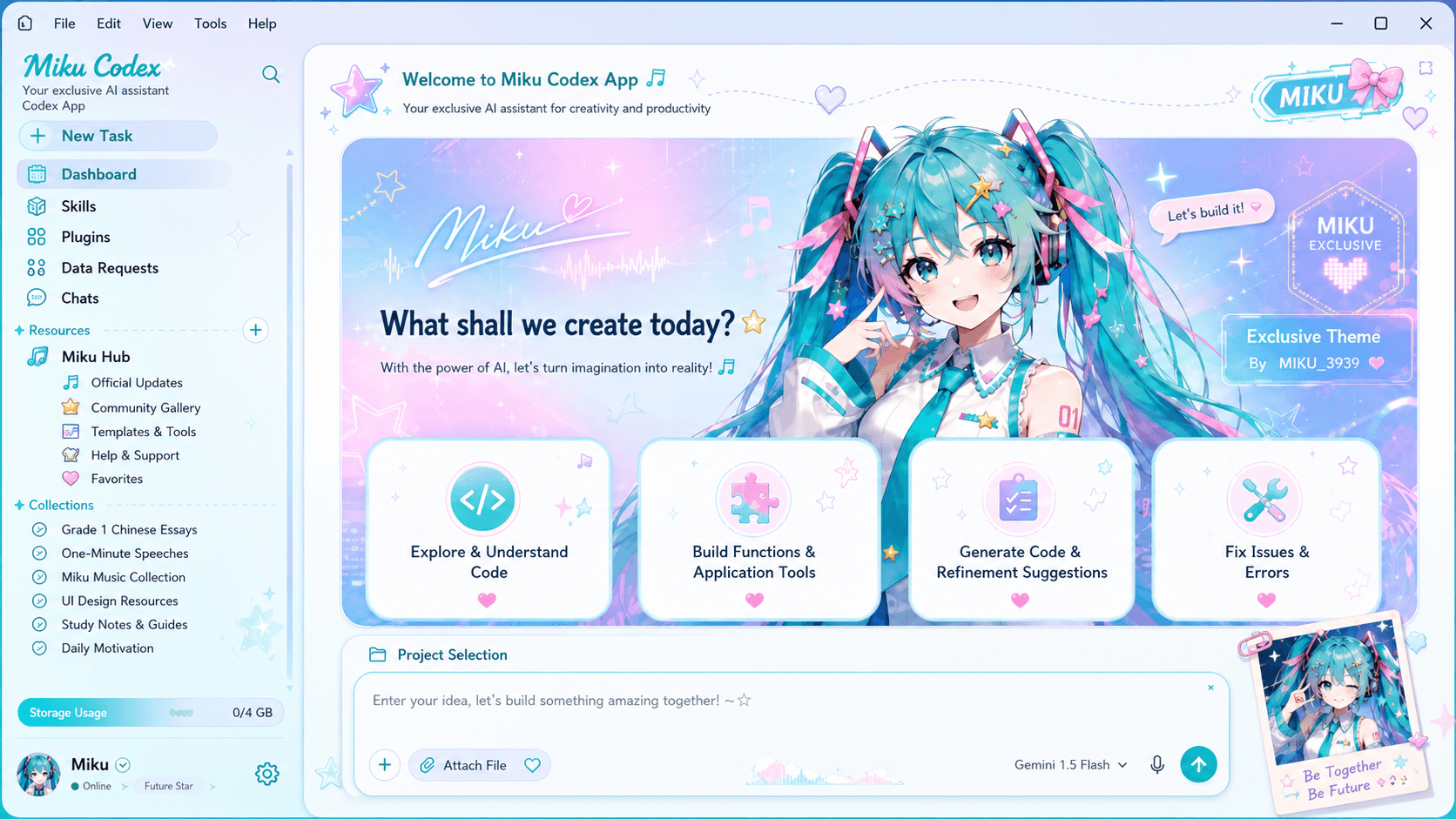
Cyan, pink, and lavender dashboard panels turn the interface into a playful creative console.

Black glass, champagne-gold typography, and stage lighting create a polished dramatic workspace.

Warm white space, teal accents, and hand-drawn details build a bright, upbeat planning environment.

Sky blue stripes, trophy gold, and a celebratory football illustration energize a light workspace.

Deep stadium green and trophy-gold details frame a bold football-inspired dashboard.

Parchment panels, ocean blue, and rope-framed cards give this pirate skin a lively storybook feel.
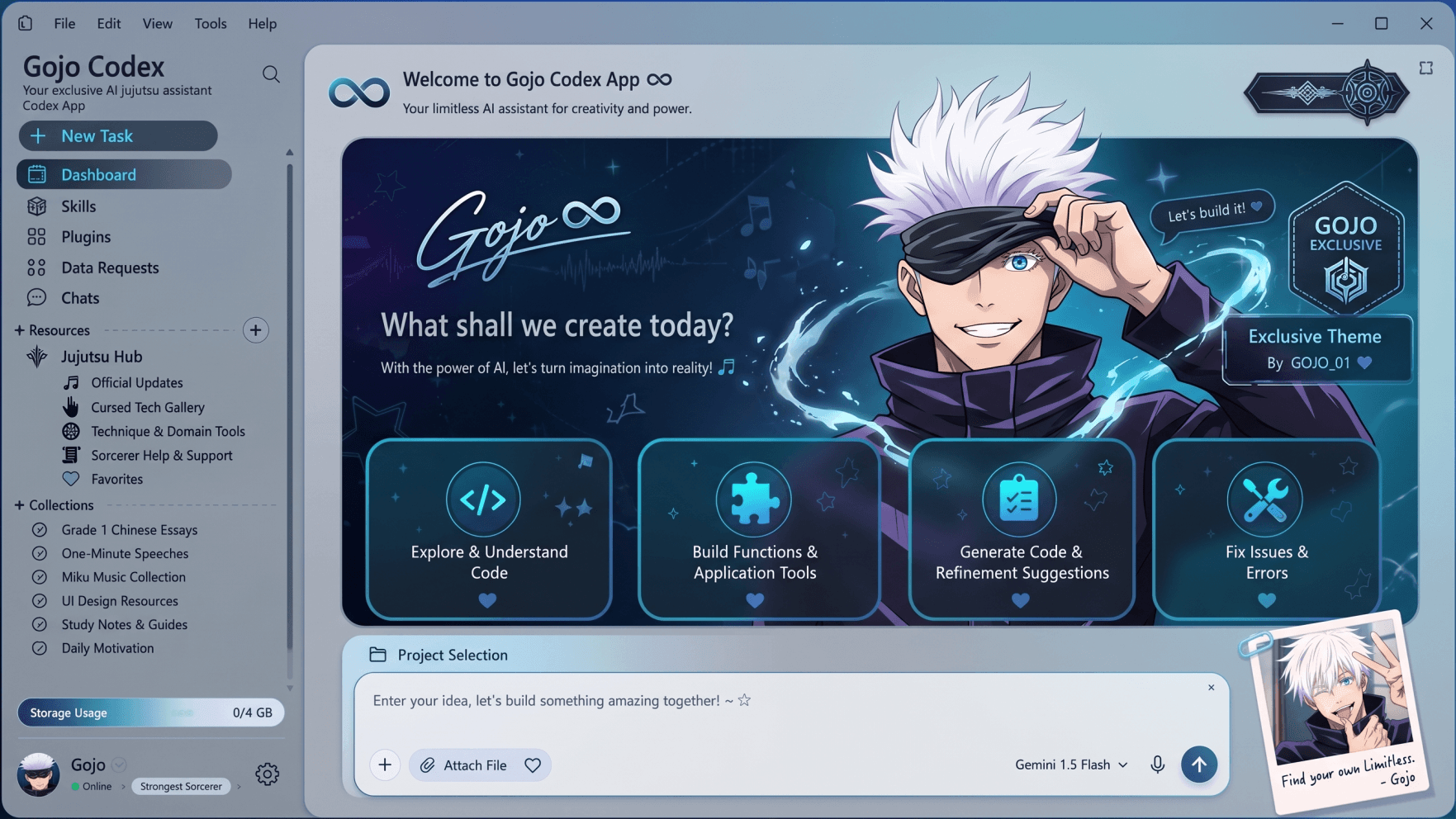
Electric cyan edges and deep indigo panels surround a bright focal point without losing hierarchy.

Charcoal stone, carved bronze borders, and firelight create a cinematic mythic workspace.
The most dramatic image is not always the most useful one. Start with the surfaces you read most often.
Choose darker or calmer areas behind the sidebar, task list, code, and prompt composer. Small highlights are easier to manage than a bright full-frame image.
Dense lines and high-frequency texture can make translucent panels feel noisy. Larger shapes and gentle gradients preserve depth without visual chatter.
A good background leaves enough separation for labels, muted metadata, focus rings, and error states—not only large white headings.
Wide 16:9 or 16:10 artwork is flexible on most displays. Ultrawide users should keep the focal point away from the extreme edge and test contain versus cover.
Ready to test a file? Use the local wallpaper preview. For upstream setup details, read the Codex Dream Skin guide or go directly to the Windows and macOS installation guides.
Start with a local preview