
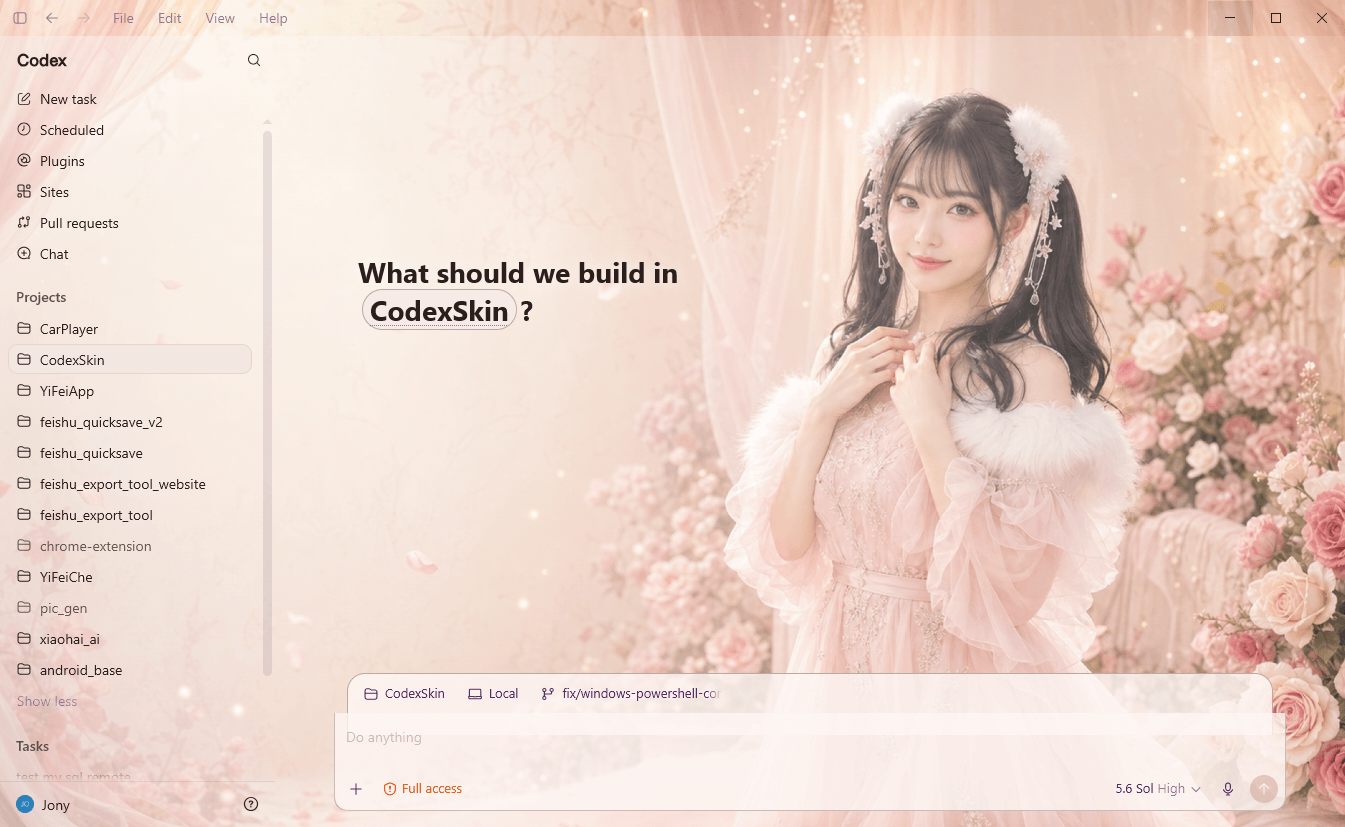
Blush Garden
Warm · MinimalSoft florals and translucent blush panels keep the navigation calm while the portrait anchors the right side.
#f5ddd4#d8a5a1#7a4a74
Independent community resource
Explore original theme concepts, preview your own wallpaper, and follow clear setup guides for customizing the Codex desktop experience.
Independent guidance. Local-only preview. Community skin inspiration.
Four distinct skin directions show how color, imagery, and panel treatment can reshape a Codex workspace.
Soft florals and translucent blush panels keep the navigation calm while the portrait anchors the right side.
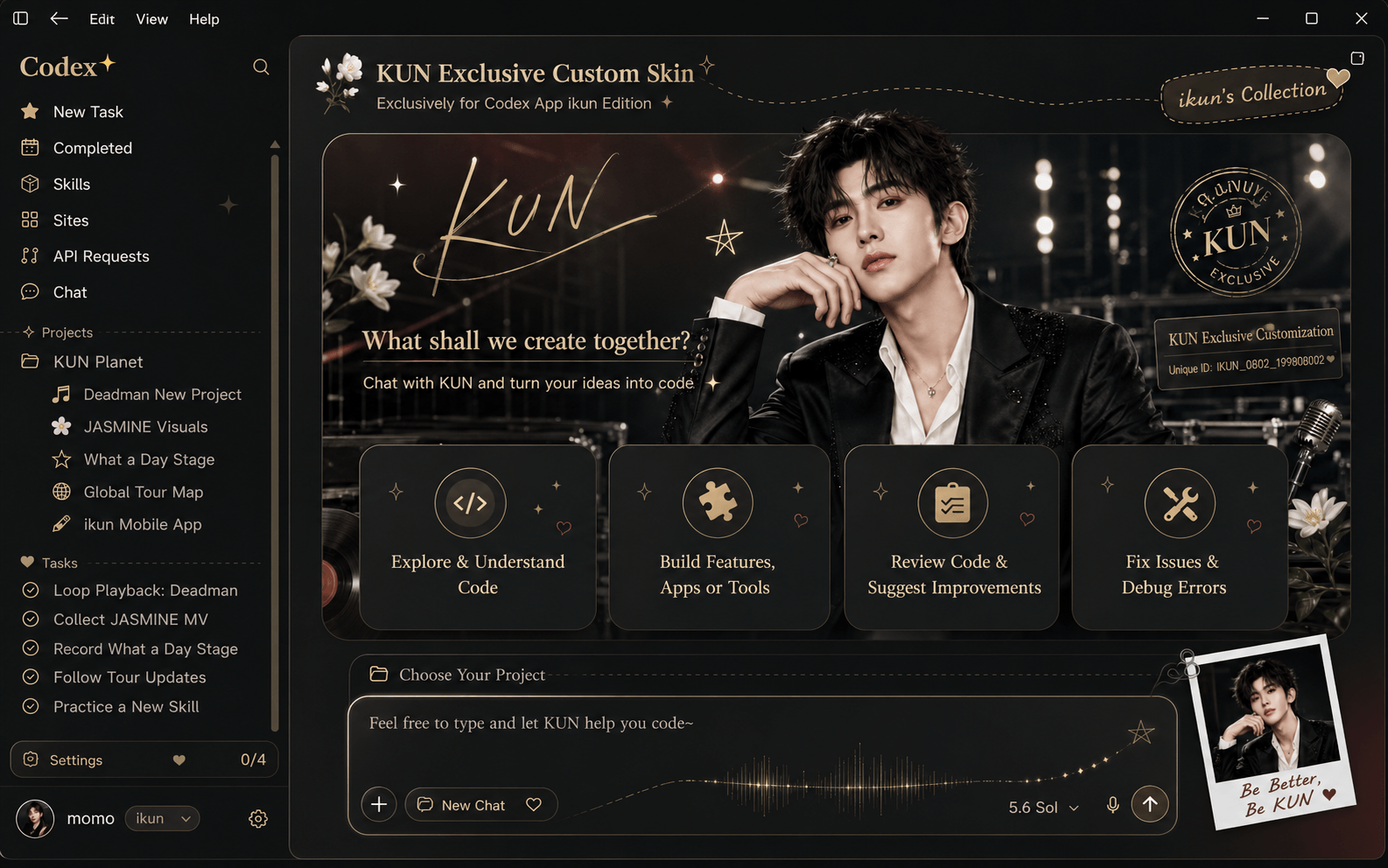
Black glass, champagne-gold typography, and stage lighting create a polished, dramatic workspace.
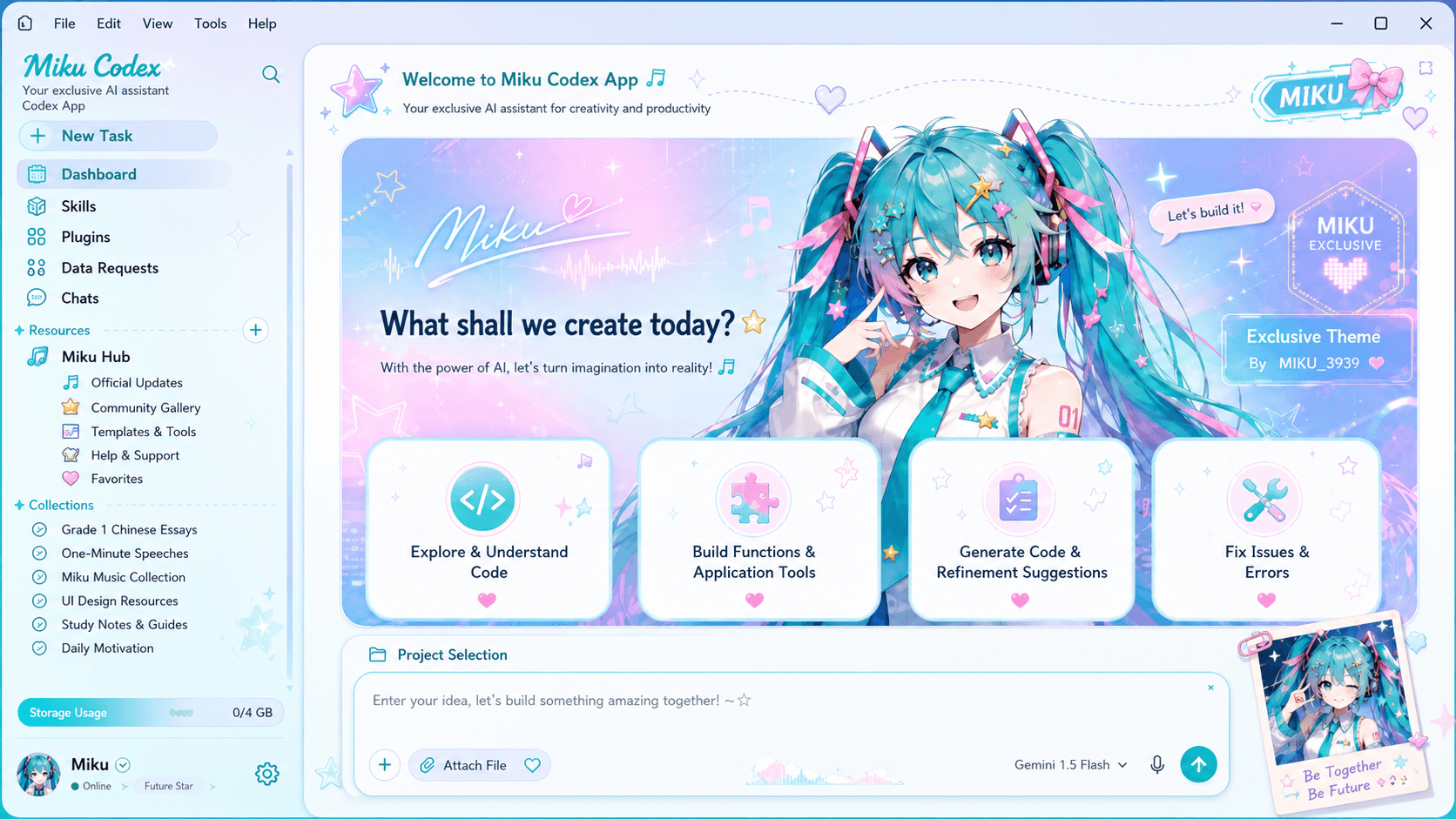
Cyan and pink dashboard panels turn the workspace into a playful, high-energy creative console.
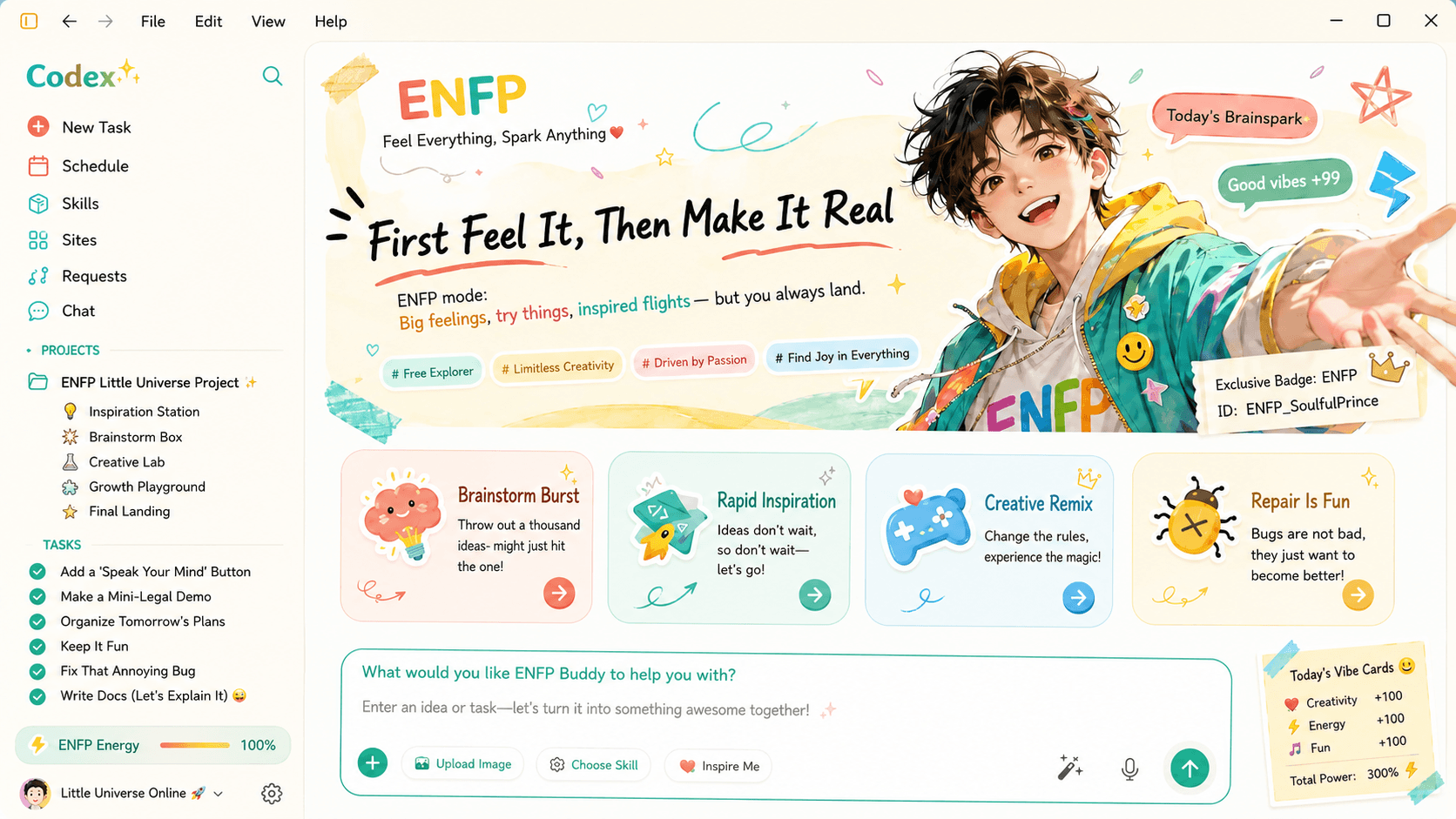
Warm white space, teal accents, and hand-drawn details create a bright, upbeat planning environment.
A useful Codex app theme supports the interface instead of competing with it.
Use color, depth, and a focused composition to make the environment feel like yours.
Protect text contrast and quiet zones behind projects, tasks, prompts, and code.
Treat every customization as reversible and keep the original project guidance close.
Try a JPG, PNG, or WebP locally, then open the full Codex theme preview for position, blur, overlay, and panel controls.
No image selected. The abstract demo stays visible.
Your image is processed locally in your browser. It is not uploaded, transmitted, or stored by Codex Theme Hub.
Evaluate the composition before making any changes to your desktop setup.
$ preview --local-only
✓ image remains on this deviceThe verified upstream workflows differ. Follow one platform guide from start to restore.
Check the official Codex desktop prerequisite, install to the stable user path, verify the local theme session, and keep the restore launcher available.
Read the macOS guideConfirm the Microsoft Store app and Node.js requirements, use the original PowerShell scripts, verify the session, and document the restore path.
Read the Windows guideBefore running third-party scripts, download only from the Codex Theme Hub GitHub repository, inspect the current source, and avoid third-party mirrors.
Good to know
Direct answers based on the current project documentation and the limits of an independent community guide.
No. Codex Theme Hub is an independent community resource. It is not affiliated with OpenAI or the maintainers of Codex Dream Skin.
No. The preview creates a temporary browser URL for the file on your device. It does not send the image to a server, call an external API, or retain the file after you remove it or close the page.
Codex Dream Skin is a third-party open-source project that applies an external visual layer to the official Codex desktop app through a local loopback CDP connection. Review its source and current documentation before use.
The original repository currently documents separate macOS and Windows implementations. Requirements and scripts differ, so use the guide written for your operating system.
The project provides platform-specific restore tooling. Close or restart Codex when the original instructions require it, then verify the standard appearance and controls have returned.
Wide images with moderate contrast, a clear focal point, and calm space behind navigation and text usually work best. Avoid small repeated detail and bright highlights across the full frame.
No script should be described as risk-free. Use only the original repository, inspect the current source, understand that local CDP is powerful, and restore the default setup when you are finished.
Start with a local preview